Notes on the Vim text editor
In search of a calm editor with few distractions, I made a configuration for the Vim (and Vim Classic) text editor. While some don’t consider Vim to be an editor with low cognitive load, I humbly disagree with this. Yes it has a learning curve, but it’s well documented, and you can learn basic functionality very quickly. Also, the basic use of Vim does not change much, so everything you learn is knowledge you’ll be able to use for decades.
TLDR: You can get the configuration (.vimrc) at #Configuration
If you desire an even lighter weight text editor, take a look at my Notes on the nvi text editor.
Note: In march 2026, a new fork of Vim called Vim Classic was launched by Drew Devault. This fork does not and will not accept generative AI / LLM driven commits.
In the words of Drew:
“Vim Classic is a fork of Vim 8.x for long-term maintenance, providing a stable, dependable editor — maintained entirely by humans.”
Sounds perfect for my use. The current ‘official’ Vim is at 9.x, but my config below works fine with both Vim 9.x and Vim Classic 8.3, which is what I currently use.
Features
- No syntax highlighting by default
- No package management, so no automatic updates and breakage. Just download the plugins you use and put them in
~/.vim - Most settings from vim-sensible by Tim Pope, but without the plugin
- Toggle light / dark background
- Clear the search highlight
- For a nice writing environment, I use the Goyo and Limelight plugins
- Insert a timestamp easily
- All the power the Vim editor offers!
Keyboard shortcuts
Use these in ’normal’ mode. Press the ‘\’ (backslash) key before each key. This is the so-called ‘Leader’ key by default.
| Key | Action |
|---|---|
| c | Clear search highlight |
| l | Toggle dark / light background |
| s | Toggle syntax highlighting |
| dd | Insert date |
| dt | Insert date and time |
| dT | Insert more complete date and time |
| G | Toggle the Goyo plugin (center your text) |
| L | Toggle the Limelight plugin (highlight current paragraph, darken others) |
| w | Toggle listing of whitespace characters |
A few tips on using Vim
Vim offers a lot of shortcuts for functionality to help you edit conveniently and fast. But you don’t need to remember them all. I don’t. Here are a few I do use regularly and which seem to stick in my mind.
| Key | Action |
|---|---|
| { | Move cursor to before current paragraph |
| } | Move cursor to after current paragraph |
| /Fore | Move cursor to next occurrence of 'Fore' |
| ?Back | Move cursor to previous occurrence of 'Back' |
| n | Move cursor to next match of previous search term |
| gg | Move cursor to beginning of file |
| G | Move cursor to end of file |
| :42 | Move cursor to line 42 |
| y4l | Yank (copy) the next 4 characters starting from the cursor |
| y4y | Yank (copy) 4 lines starting from the cursor |
| p | Paste yanked contents after current line |
| P | Paste yanked contents before current line |
| ciw | Replace word (think Change In Word) |
| ci( | Change next text between () |
| ci< | Change next text between < and > (think HTML tags) |
| dap | Delete a (current) paragraph |
| u | undo (multiple u for multiple undo) |
| Ctrl-r | redo |
| ~ | Change case of selection |
| . | Repeat last modification action |
Screenshots
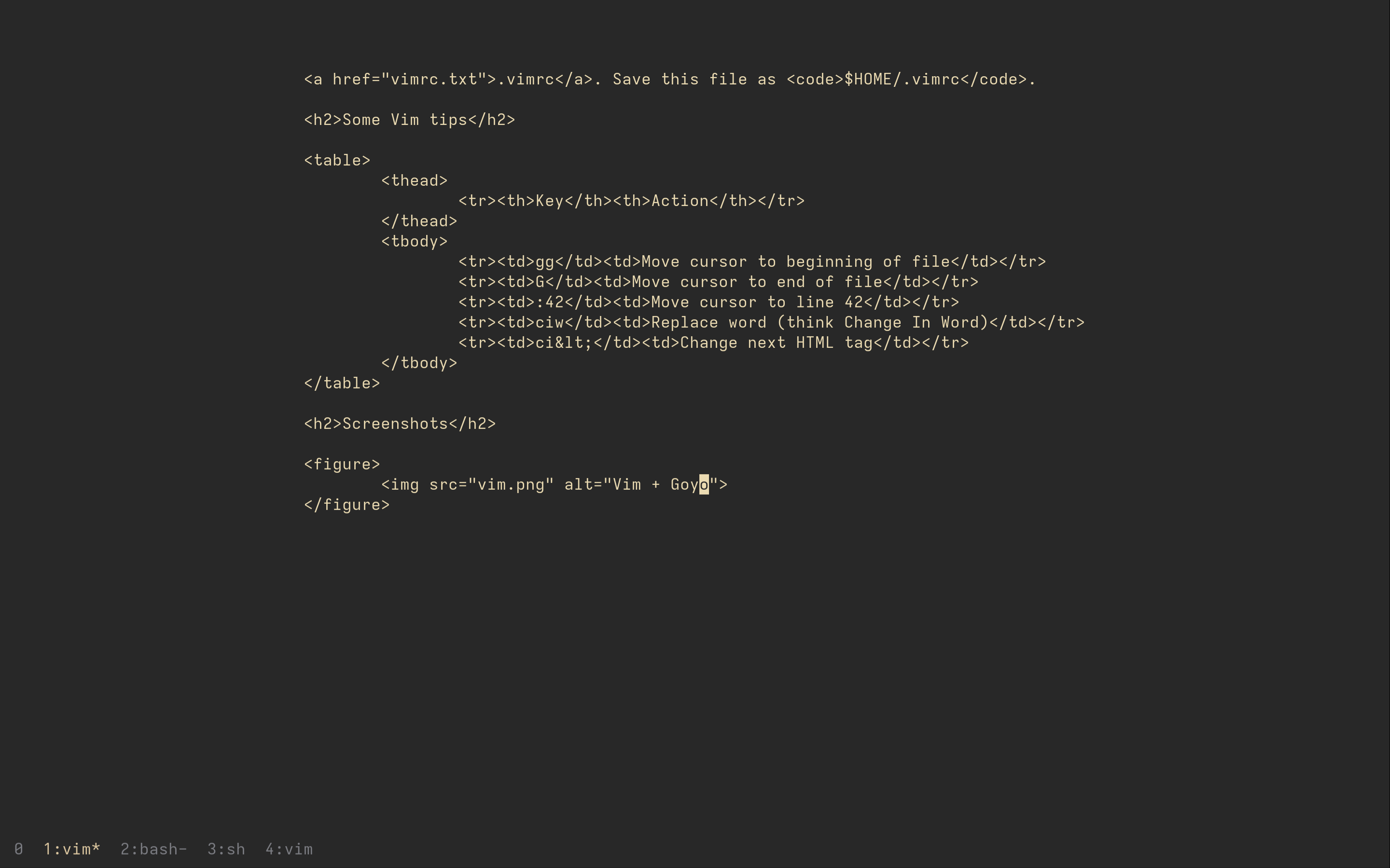
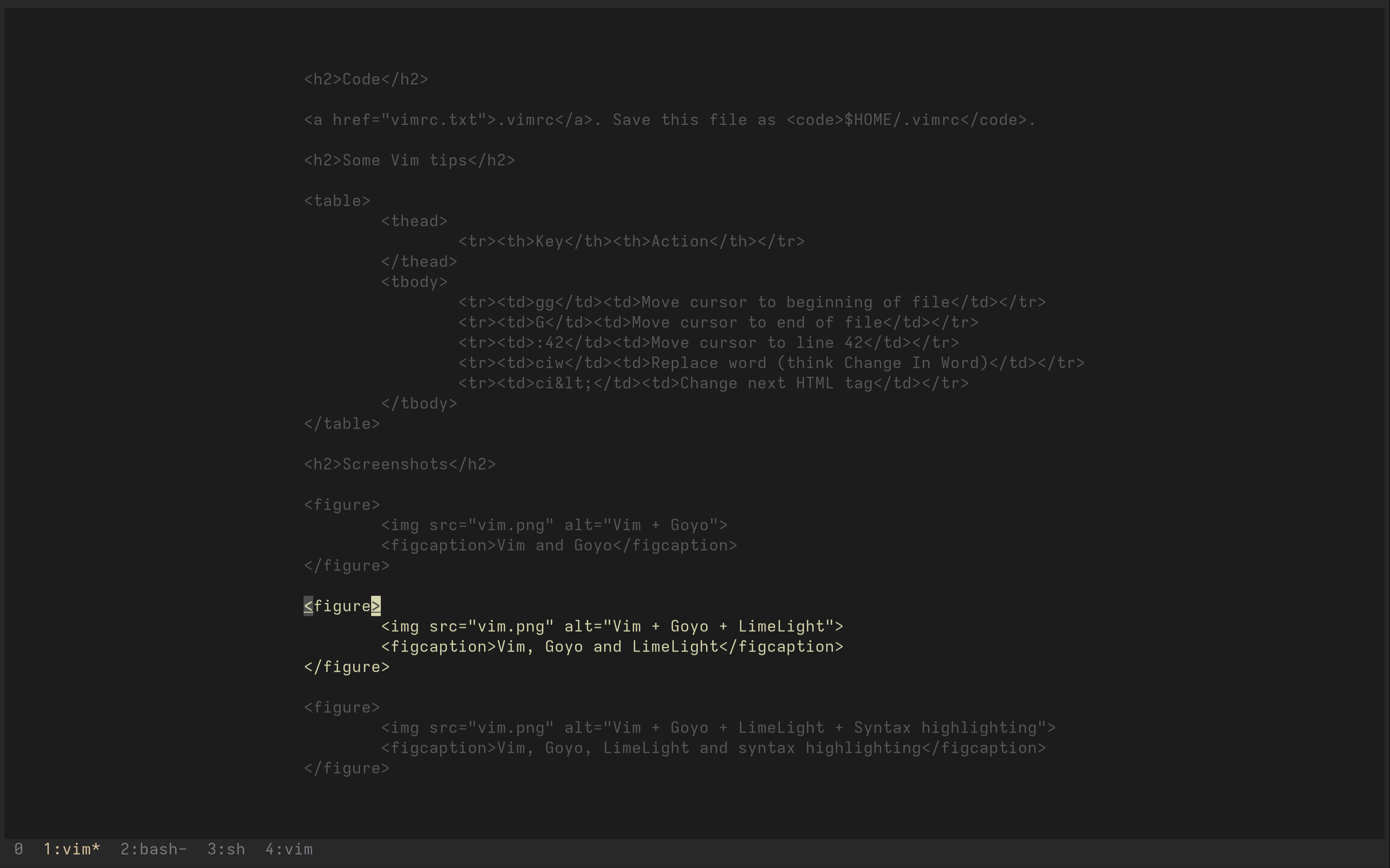
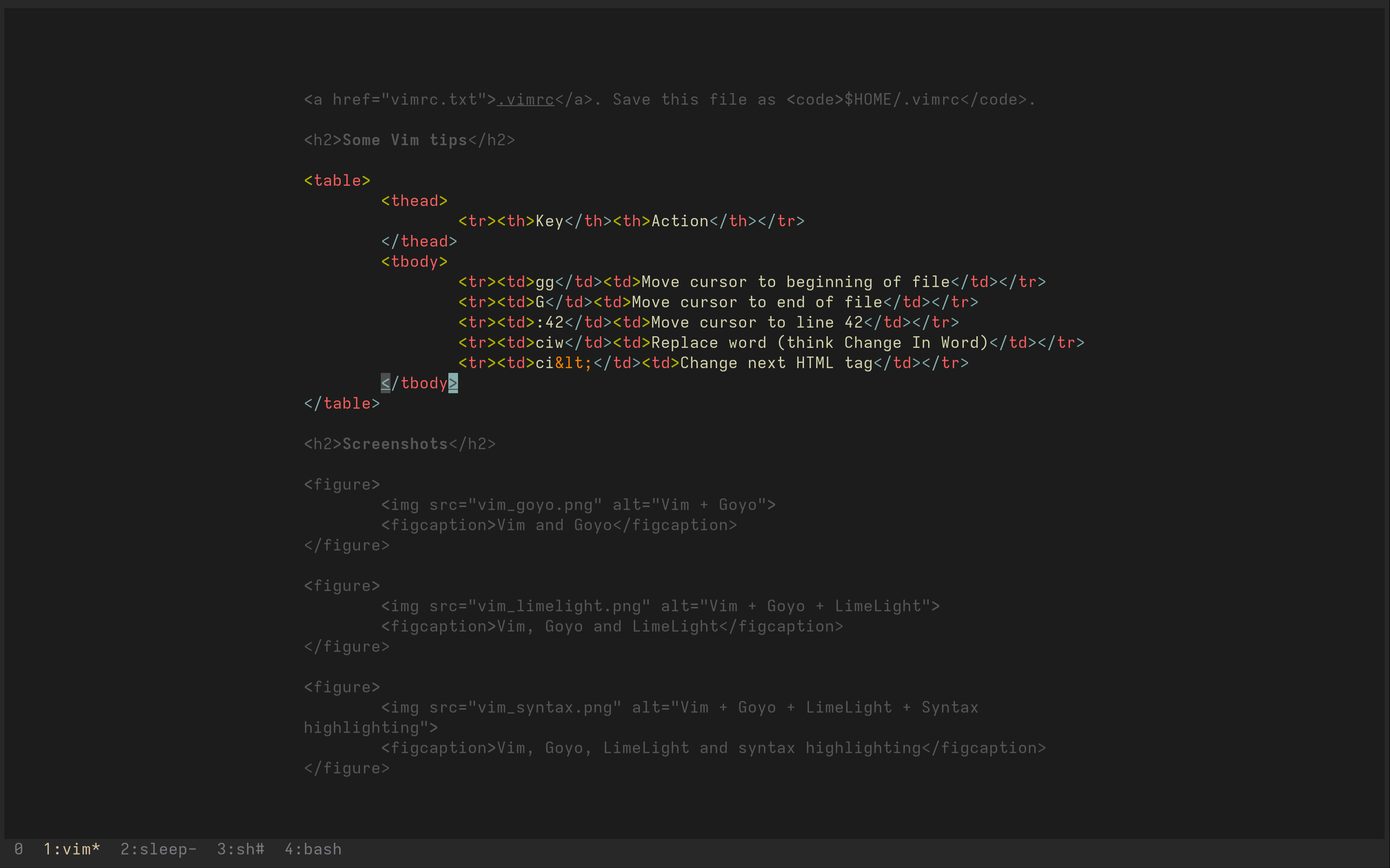
Below are some screenshots of how this configuration of Vim looks. Click on them to see a larger version. I mostly have Limelight and syntax disabled, and use Vim full screen. So my screen usually looks like something resembling the first screenshot.
Configuration
vim uses a file called .vimrc in your home folder.
Download this file and save it as .vimrc in your home folder.
Then customize it to your heart’s desire! :-)
=> vimrc.txt
Contents:
" vi compatibility
set nocompatible

" locale
language en_US.UTF-8

" Encoding
set encoding=utf-8

" true color support
set termguicolors

" Color scheme (terminal)
set t_Co=256

" Syntax highlighting
syntax off

" Blink cursor on error instead of beeping (grr)
set visualbell

" How many lines of command history to remember?
set history=1000

" Show status line
set laststatus=2

" Show menu for completion
set wildmenu

" Show cursor position
set ruler

" Reread file changed outside vim
set autoread

" Delete comment character when joining commented lines
set formatoptions+=j

" Wrapping
set wrap
" Wrap at word boundary
set lbr

" Whitespace
set textwidth=0
set formatoptions=tcqrn1
set tabstop=8
set shiftwidth=8
set softtabstop=8
set noexpandtab
set noshiftround
set smarttab

" How to indicate whitespace
set listchars=tab:⟶\ ,trail:▸,extends:⟶,precedes:⟵,nbsp:+

" Incremental search
set incsearch

" Highlight search
set hlsearch

" For plugins to load correctly
filetype plugin indent on

" limelight
let g:limelight_conceal_ctermfg = 'gray'
let g:limelight_conceal_ctermfg = 240

" toggle syntax on/off
nnoremap <expr> <Leader>s exists("syntax_on") ? ':syntax off<CR>' : ':syntax on<CR>'

" toggle background light/dark
nnoremap <expr> <Leader>l &background == 'light' ? ':set background=dark<CR>' : ':set background=light<CR>'

" toggle listing of whitespace
nnoremap <expr> <Leader>w ':set list!<CR>'

" clear search highlight
nnoremap <expr> <Leader>c ':noh<CR>'

" insert date
nnoremap <silent> <Leader>dd :put =strftime('%Y-%m-%d %a')<CR>

" insert date and time
nnoremap <silent> <Leader>dt :put =strftime('%Y-%m-%d %a, %H:%M')<CR>

" insert complete date and time
nnoremap <silent> <Leader>dT :put =strftime('%a, %d %b %Y %H:%M:%S %z')<CR>

" toggle Goyo plugin
nnoremap <expr> <Leader>G ':Goyo<CR>'

" toggle Limelight plugin
nnoremap <expr> <Leader>L ':Limelight!!<CR>'

" toggle listing of whitespace
nnoremap <silent> <expr> <Leader>w ':set list!<CR>'